
GetNotes Tools
Wox-launcher/Wox
Tool นี้คืออะไร
Wox เป็นลอนเชอร์โอเพนซอร์สที่ช่วยให้ผู้ใช้สามารถเปิดแอป ค้นหาไฟล์ และเรียกใช้งานต่างๆ ได้อย่างรวดเร็วผ่านการพิมพ์ เหมาะสำหรับนักพัฒนาและผู้ใช้ที่ต้องการเพิ่มประสิทธิภาพการทำงานด้วยการควบคุมผ่านคีย์บอร์ดเป็นหลัก พร้อมระบบปลั๊กอินที่ปรับแต่งได้.
ข้อมูลโปรเจกต์
ดาว
27.4K
Forks
2.4K
License
GPL-3.0
อัปเดต GitHub ล่าสุด
11 ก.ย. 2569
เพิ่มใน GetNotes
14 ก.ค. 2569
Repository
Wox-launcher/Wox
เหมาะกับงาน
Ecosystem
Go
แปลและเรียบเรียงโดย AI
เนื้อหาฉบับภาษาไทย
ใช้อ่านเพื่อทำความเข้าใจเบื้องต้น โปรดตรวจสอบรายละเอียดสำคัญกับเอกสารต้นฉบับด้านล่าง
Wox



ลอนเชอร์ที่ไม่ขัดขวางการทำงานของคุณ
คุณรู้อยู่แล้วว่าต้องการทำอะไร Wox ช่วยให้คุณไปถึงเป้าหมายนั้น: เปิดแอป ค้นหาไฟล์ เรียกใช้งาน — แล้วหลีกทางไป
Wox เป็นลอนเชอร์โอเพนซอร์สสำหรับ macOS, Linux และ Windows โดยรวบรวมการค้นหาในเครื่อง การทำงานที่เน้นคีย์บอร์ดเป็นหลัก และระบบปลั๊กอินที่ขยายได้ไว้ในอินพุตเดียวที่เน้นการใช้งาน
ดาวน์โหลด Wox · เรียกดูปลั๊กอิน · อ่านเอกสาร
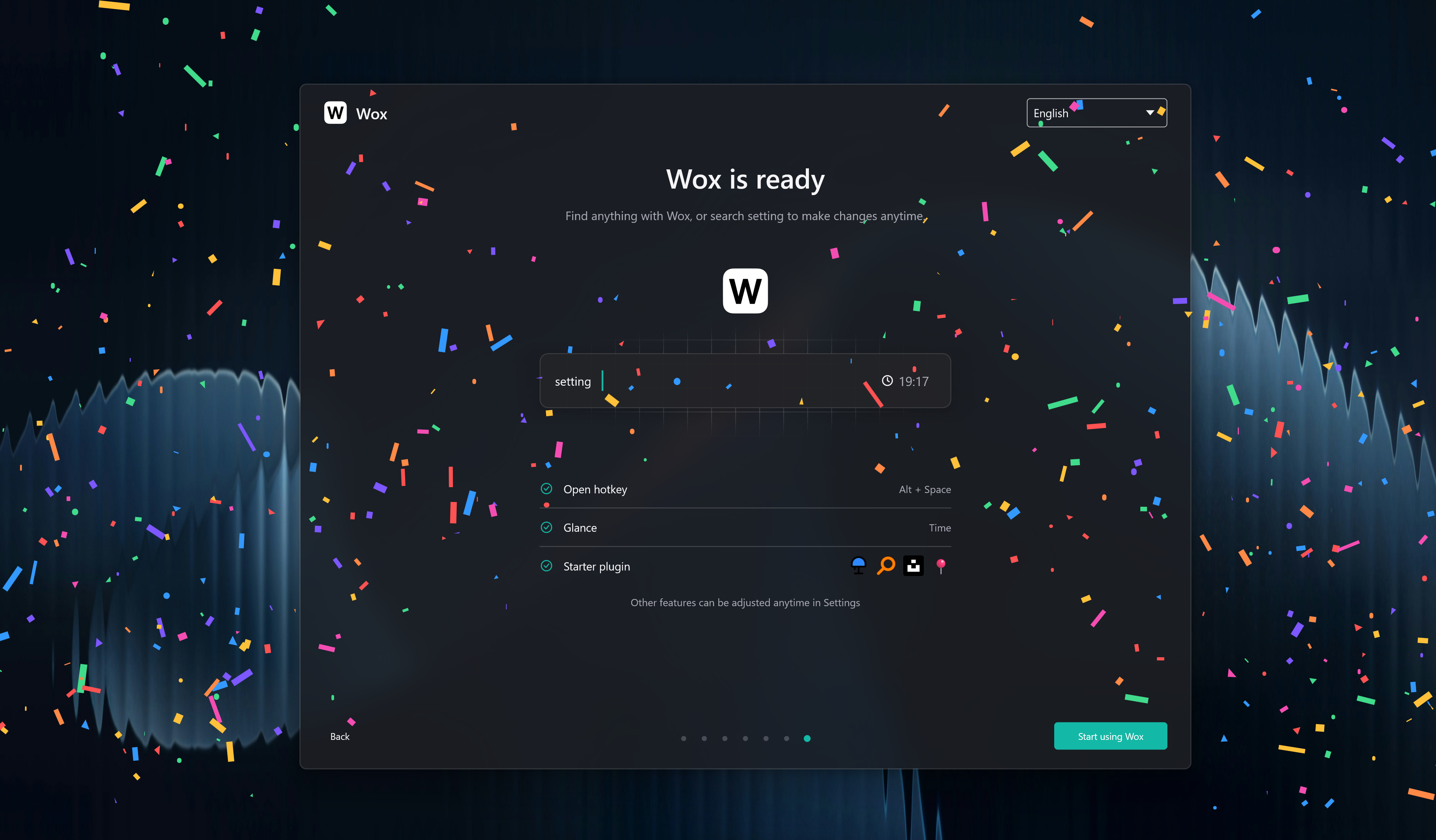
กด Alt/Command + Space, พิมพ์สิ่งที่คุณต้องการ แล้วกด Enter
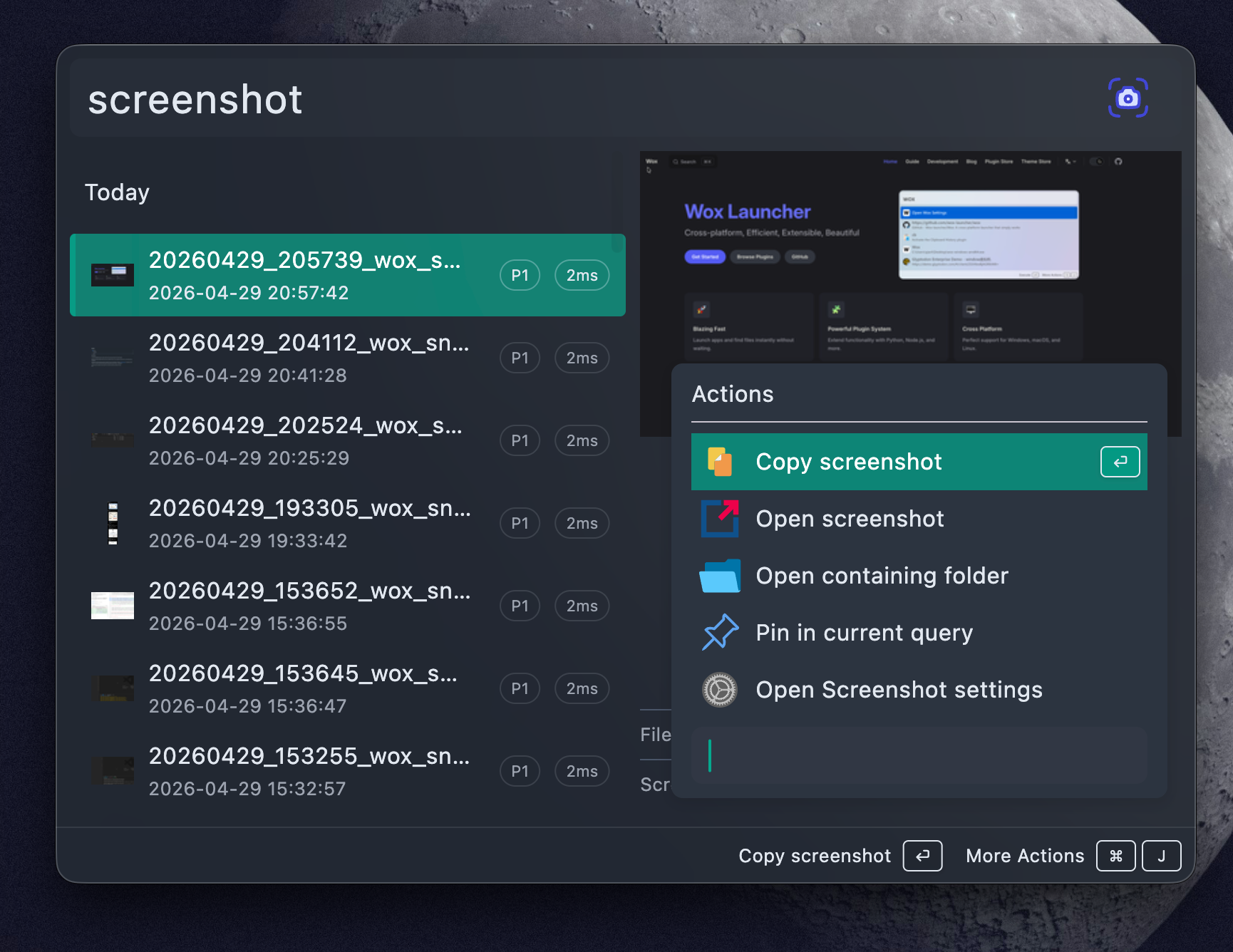
หนึ่งคำสั่ง, งานจริง
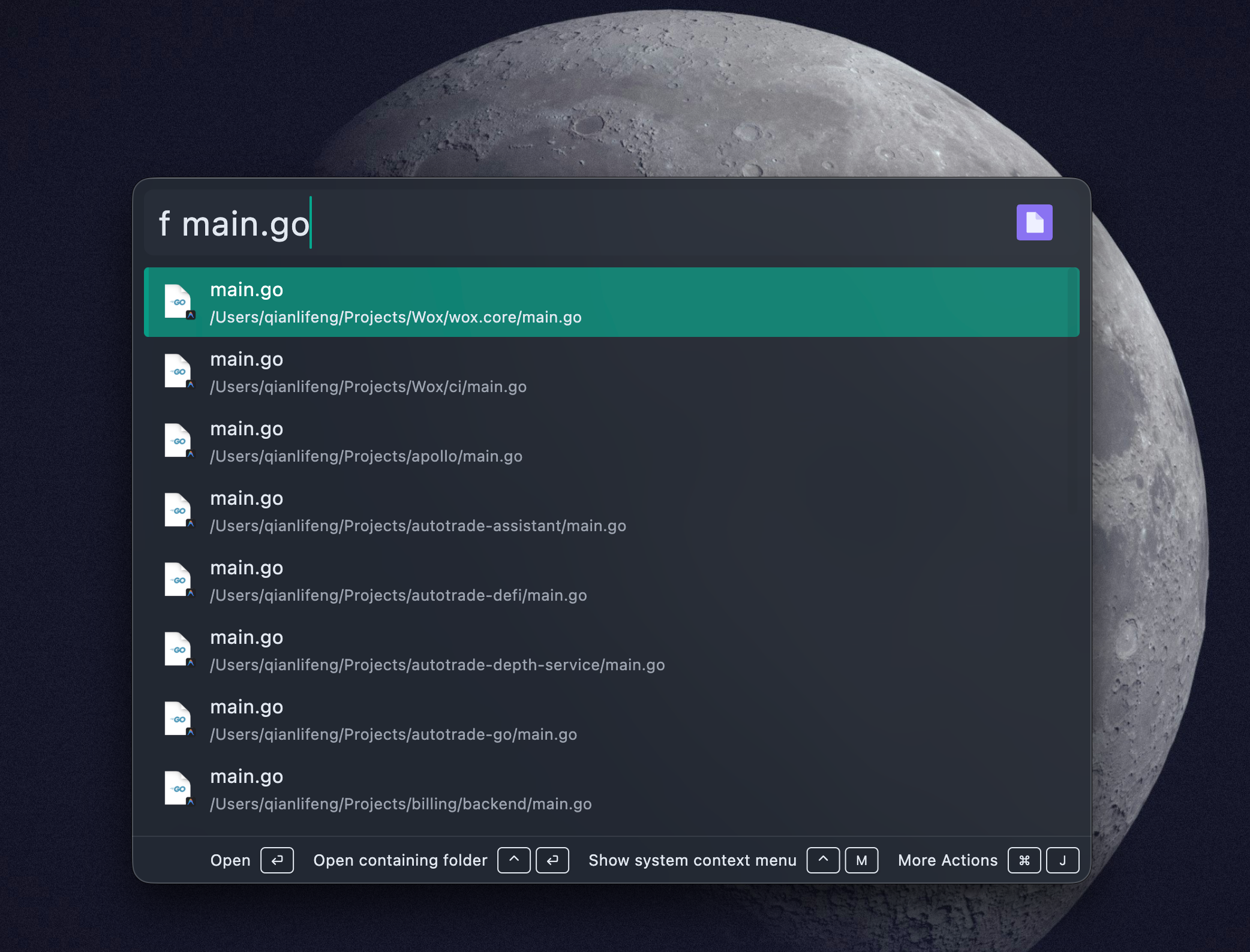
ค้นหาสิ่งที่คุณต้องการ
ค้นหาแอปพลิเคชัน โฟลเดอร์ ไฟล์ และเนื้อหาไฟล์ จากนั้นเปิด คัดลอก ดูตัวอย่าง หรือเปิดเผยในโฟลเดอร์โดยไม่ต้องละมือจากคีย์บอร์ด
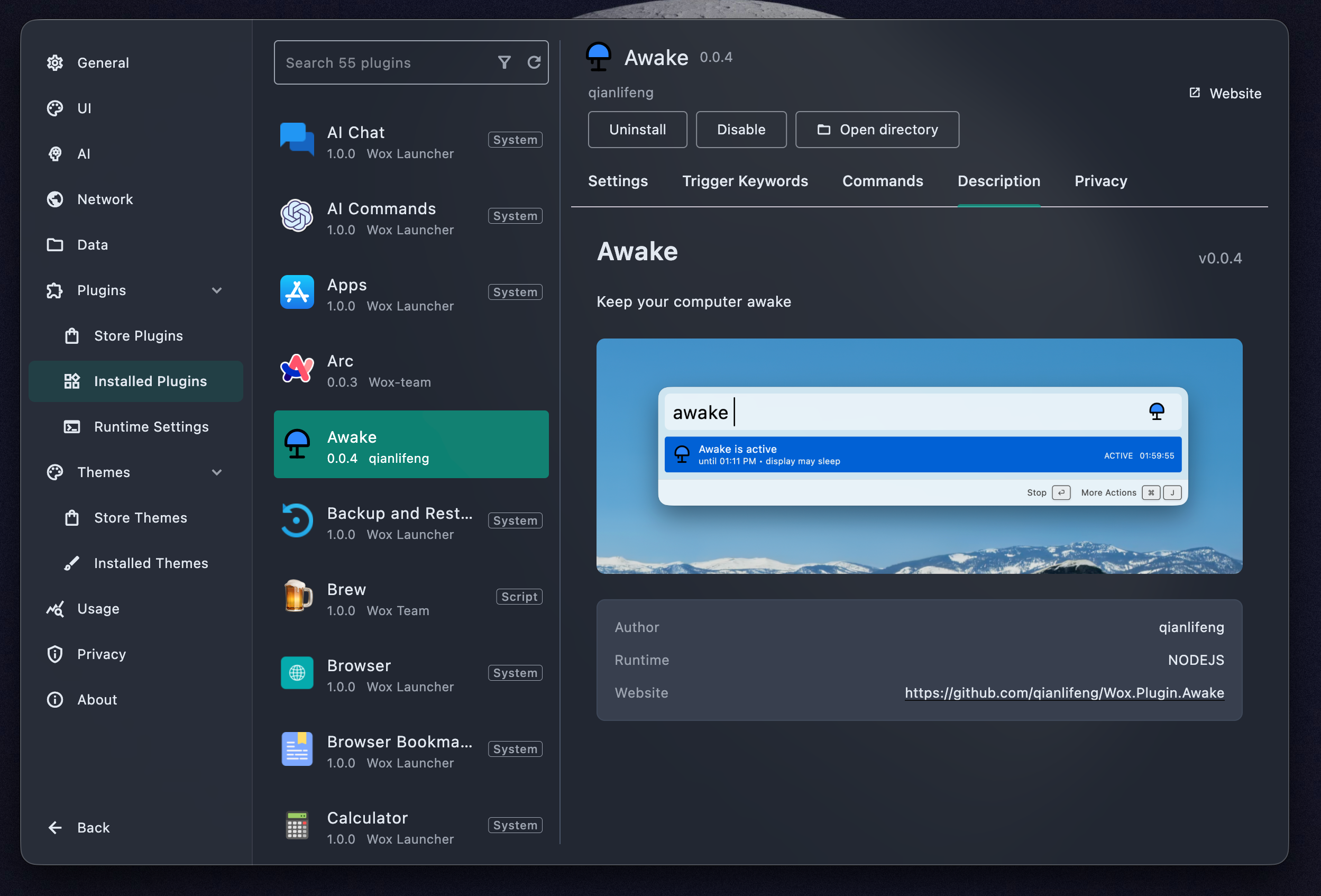
ปรับแต่งให้เป็นของคุณ
เริ่มต้นด้วยฟังก์ชันในตัว จากนั้นเพิ่มปลั๊กอินและธีมสำหรับเวิร์กโฟลว์ที่คุณใช้งานจริง ปลั๊กอิน Wox สามารถเขียนได้ด้วย Python หรือ JavaScript
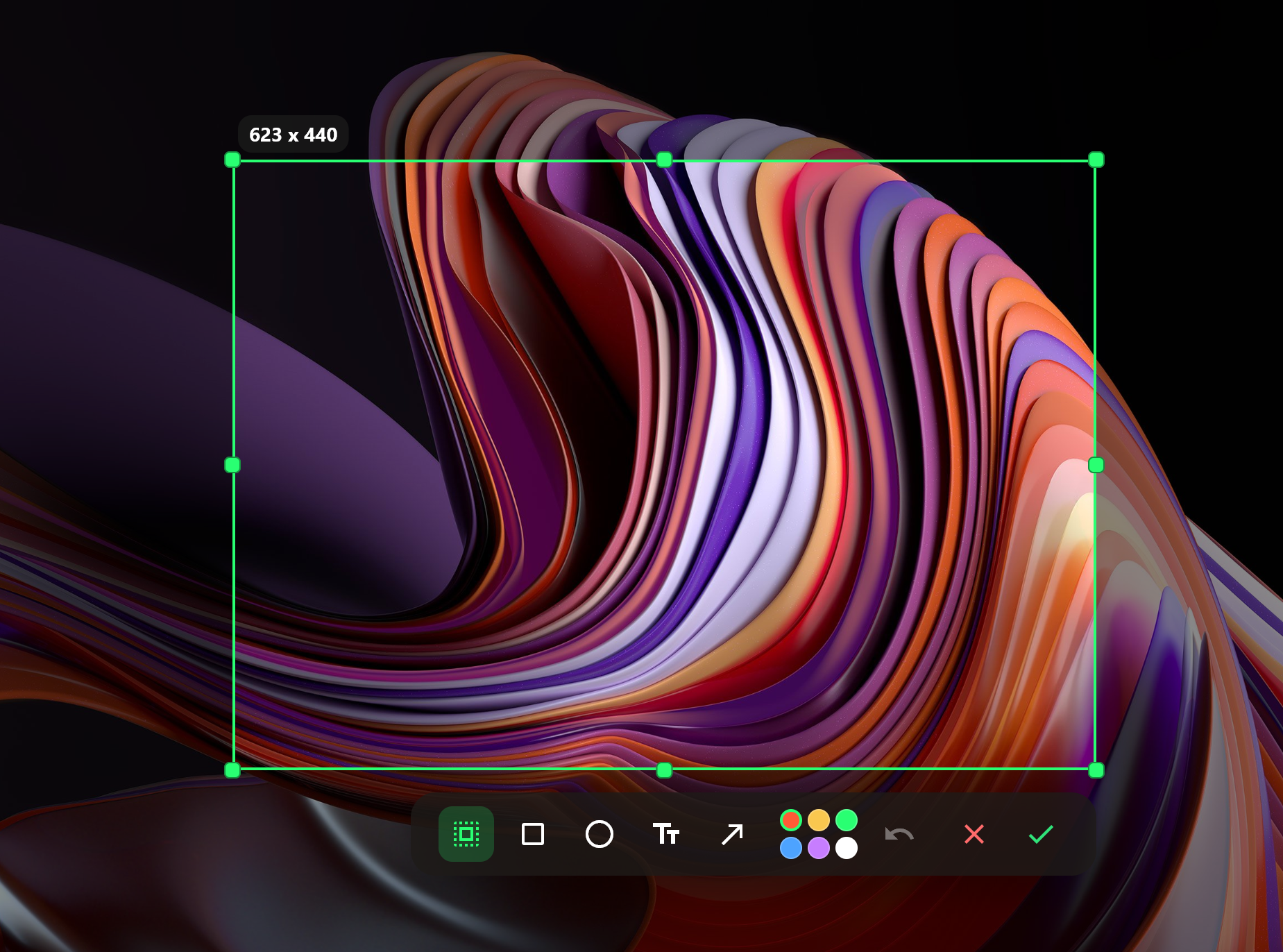
จับภาพ, เก็บไว้ใกล้มือ
ถ่ายภาพหน้าจอ ครอบตัดหรือใส่คำอธิบายประกอบ แล้วปักหมุดไว้เหนือชิ้นงานที่คุณกำลังทำอยู่
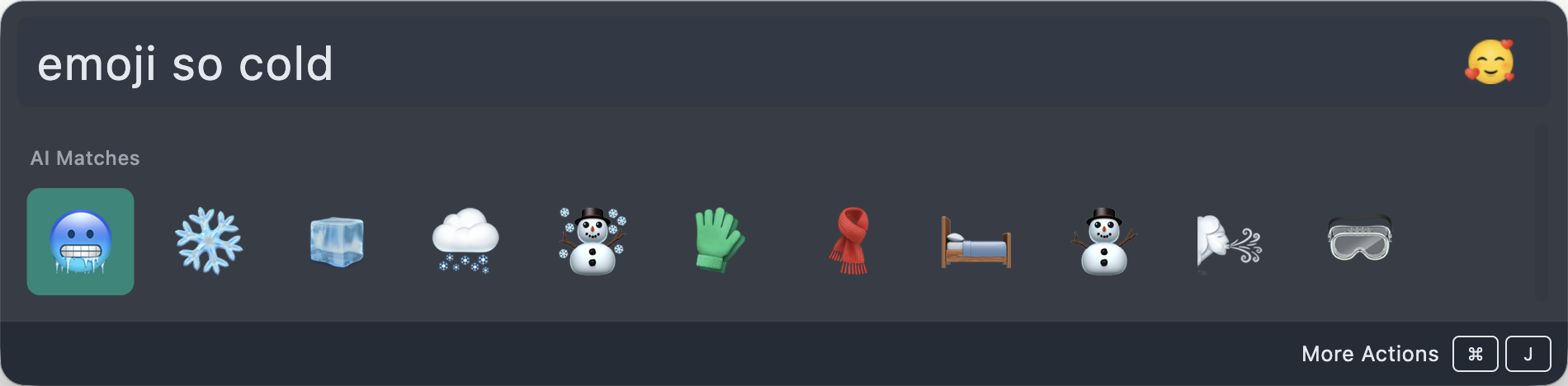
ถามด้วยภาษาธรรมชาติ
อธิบายอิโมจิที่คุณต้องการ เลือก แล้วดำเนินการต่อ Wox ยังจัดการการคำนวณอย่างรวดเร็วและการแปลงหน่วยโดยไม่ต้องเปิดแอปอื่น
ติดตั้ง
| แพลตฟอร์ม | วิธี | คำสั่งหรือคำแนะนำ |
|---|---|---|
| macOS | Homebrew | brew install --cask wox |
| Windows | Winget | winget install -e --id Wox.Wox |
| Windows | Scoop | scoop install extras/wox |
| macOS / Linux / Windows | Manual | ดาวน์โหลดแพ็กเกจเวอร์ชันเสถียรล่าสุดจาก Releases และเรียกใช้โดยตรง |
เป็นมากกว่าลอนเชอร์
- ค้นหาและเปิดแอปพลิเคชัน ไฟล์ โฟลเดอร์ คำสั่ง บุ๊กมาร์ก ประวัติคลิปบอร์ด และอิโมจิ
- คำนวณ แปลงหน่วย และค้นหาเว็บจากอินพุตเดียวกัน
- ใช้ AI แชทพร้อมการผสานรวม MCP และแบ็กเอนด์ผู้ให้บริการหลายรายเมื่อเป็นประโยชน์
- สลับธีมหรือสร้างของคุณเอง พร้อมร้านค้าปลั๊กอินและธีมออนไลน์
- เรียกใช้ได้โดยตรงจากแพ็กเกจน้ำหนักเบาโดยไม่มีขั้นตอนการติดตั้งที่บังคับ
เอกสารประกอบ
การมีส่วนร่วม
ยินดีรับการมีส่วนร่วมผ่านประเด็นปัญหา การสนทนา และคำขอพูล
ผู้สนับสนุน

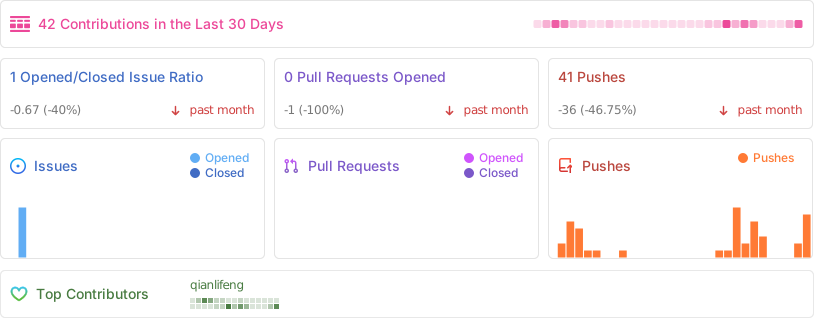
กิจกรรมโครงการ
เอกสารโปรเจกต์
อ่านเอกสารต้นฉบับ
README วิธีติดตั้ง วิธีใช้งาน และข้อกำหนดจาก repository ต้นฉบับ
Wox is a fully native, open-source launcher for Windows, macOS, and Linux — with GPU rendering on every platform. It is an open-source Raycast / Alfred alternative. Everyday use typically stays around ~150 MB of memory, so it can live in the background without feeling like another heavy desktop app.
Local search, keyboard-first actions, and an extensible plugin system stay in one focused input.
Download Wox · Browse plugins · Read the docs
https://github.com/user-attachments/assets/15ad1370-bbc0-4f96-8729-56fcc769c41c
Why Wox
| Feature | Description |
|---|---|
| Fully native | Full native GPU rendering on macOS, Linux, and Windows — not Electron, not a browser shell. |
| 150 MB memory | Built to stay light while idle and during everyday queries, so the launcher can stay resident without taxing the machine. |
| Keyboard-first | Open apps, find files, run actions, and finish the next step without leaving the input. |
| Plugin-driven | Start with built-ins, then extend with Node.js, Python, or script plugins from the store. |
Install
| Platform | Method | Command or instructions |
|---|---|---|
| macOS | Homebrew | brew install --cask wox |
| Windows | Winget | winget install -e --id Wox.Wox |
| Windows | Scoop | scoop install extras/wox |
| Windows | Chocolatey | choco install wox |
| Arch Linux | AUR | yay -S wox-bin |
| macOS / Linux / Windows | Manual | Download the latest stable package from Releases and run it directly |
Documentation
Contributing
Contributions are welcome through issues, discussions, and pull requests.
Sponsors
Project Activity