
GetNotes Tools
twentyhq/twenty
Tool นี้คืออะไร
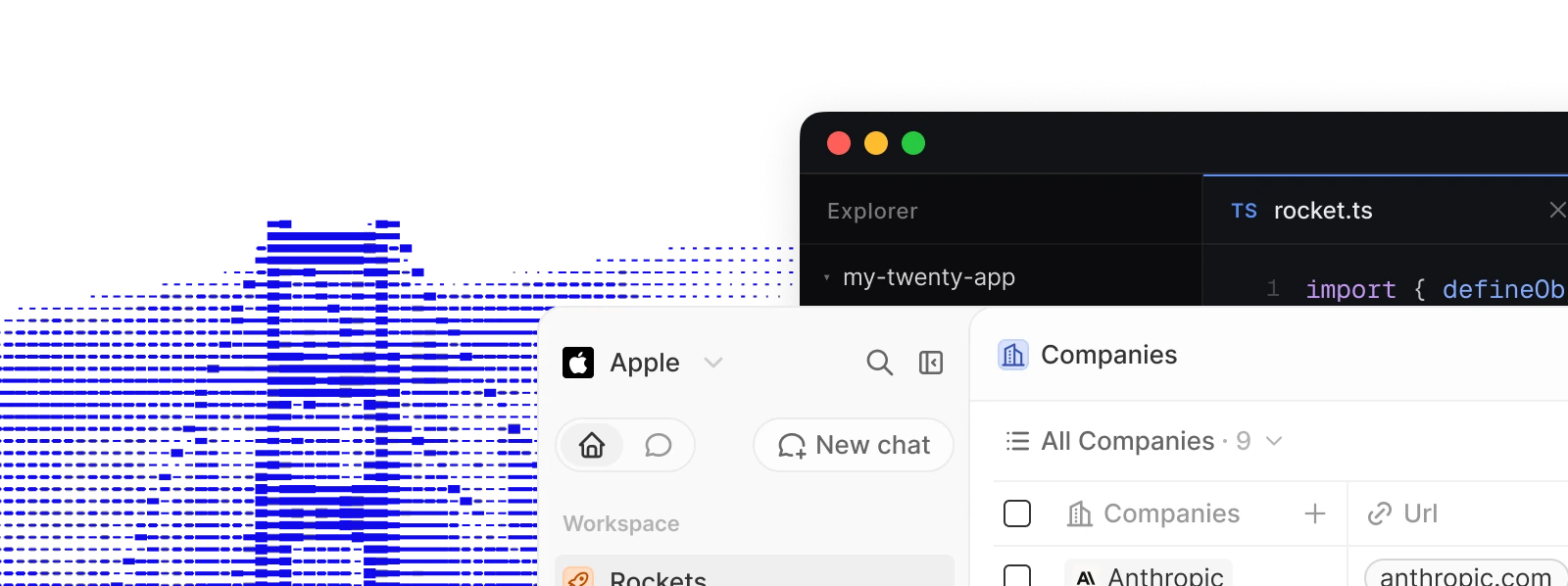
Twenty เป็น CRM แบบโอเพนซอร์สที่ช่วยให้ทีมเทคนิคสร้าง CRM ที่ปรับแต่งได้ตามความต้องการทางธุรกิจที่ซับซ้อน และสามารถพัฒนาต่อยอดได้เหมือนส่วนอื่นๆ ของสแต็กเทคโนโลยี
ข้อมูลโปรเจกต์
ดาว
56.6K
Forks
9K
License
ไม่ระบุ
อัปเดต GitHub ล่าสุด
11 ก.ย. 2569
เพิ่มใน GetNotes
18 ก.ค. 2569
Repository
twentyhq/twenty
แปลและเรียบเรียงโดย AI
เนื้อหาฉบับภาษาไทย
ใช้อ่านเพื่อทำความเข้าใจเบื้องต้น โปรดตรวจสอบรายละเอียดสำคัญกับเอกสารต้นฉบับด้านล่าง
ทำไมต้อง Twenty
Twenty มอบส่วนประกอบพื้นฐานให้ทีมเทคนิคสำหรับสร้าง CRM ที่ปรับแต่งได้ เพื่อตอบสนองความต้องการทางธุรกิจที่ซับซ้อนและปรับเปลี่ยนได้อย่างรวดเร็วเมื่อธุรกิจพัฒนาไป Twenty คือ CRM ที่คุณสร้าง จัดส่ง และควบคุมเวอร์ชันได้เหมือนส่วนอื่นๆ ในสแต็กของคุณ
เรียนรู้เพิ่มเติมว่าทำไมเราถึงสร้าง Twenty
การติดตั้ง
คลาวด์
วิธีที่เร็วที่สุดในการเริ่มต้นใช้งาน สมัครที่ twenty.com และสร้าง workspace ได้ในเวลาไม่ถึงนาที โดยไม่ต้องจัดการโครงสร้างพื้นฐานและอัปเดตอยู่เสมอ
สร้างแอป
สร้างโครงสร้างแอปใหม่ด้วย Twenty CLI:
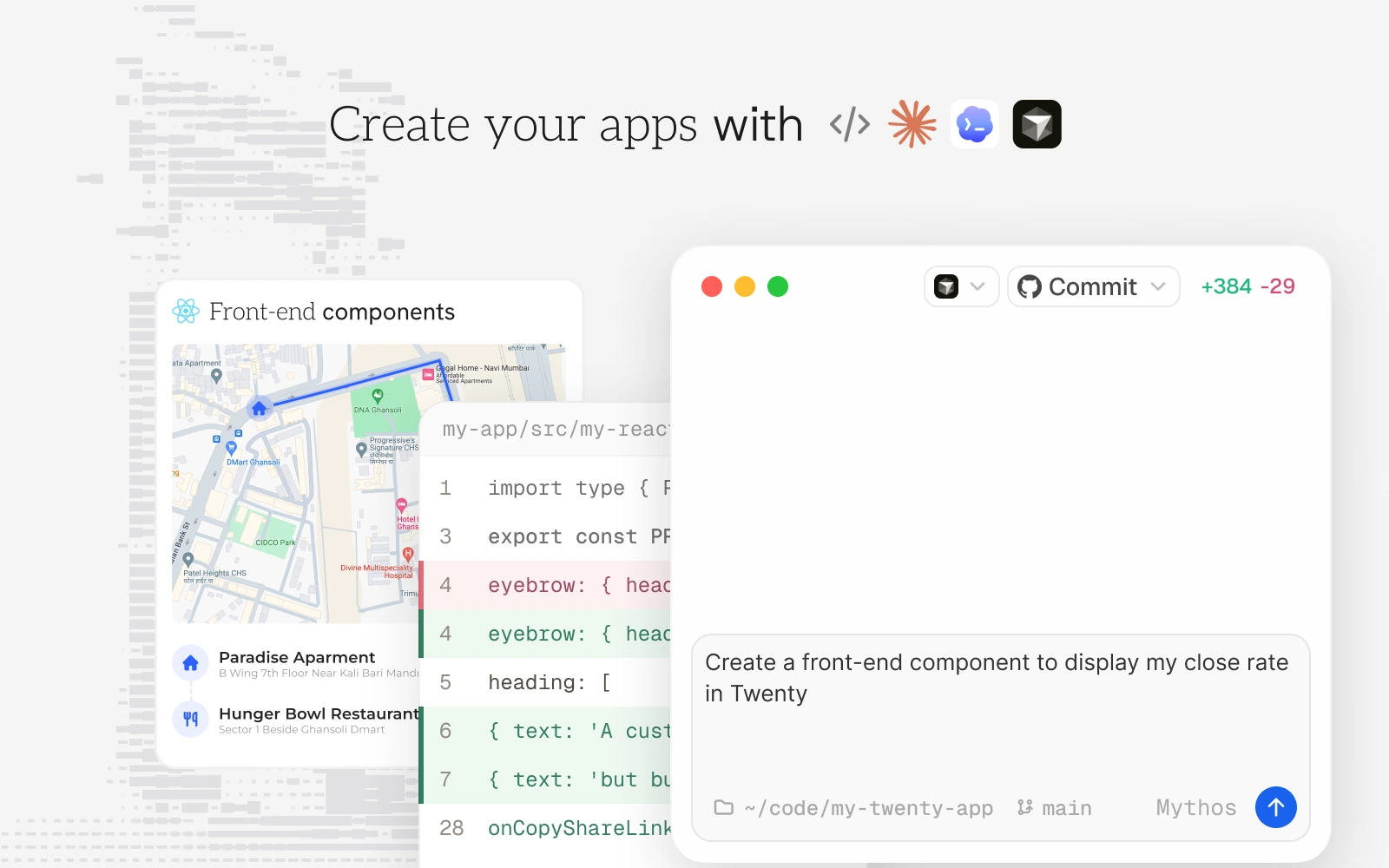
npx create-twenty-app my-appกำหนด objects, fields และ views เป็นโค้ด:
import { defineObject, FieldType } from 'twenty-sdk/define';

export default defineObject({
  nameSingular: 'deal',
  namePlural: 'deals',
  labelSingular: 'Deal',
  labelPlural: 'Deals',
  fields: [
    { name: 'name', label: 'Name', type: FieldType.TEXT },
    { name: 'amount', label: 'Amount', type: FieldType.CURRENCY },
    { name: 'closeDate', label: 'Close Date', type: FieldType.DATE_TIME },
  ],
});
จากนั้นส่งไปยัง workspace ของคุณ:
npx twenty app:publish --privateดู คู่มือการพัฒนาแอป สำหรับ objects, views, agents และ logic functions
การโฮสต์ด้วยตนเอง
รัน Twenty บนโครงสร้างพื้นฐานของคุณเองด้วย Docker Compose หรือร่วมพัฒนาในเครื่องผ่าน คู่มือการตั้งค่าในเครื่อง
ทุกสิ่งที่คุณต้องการ
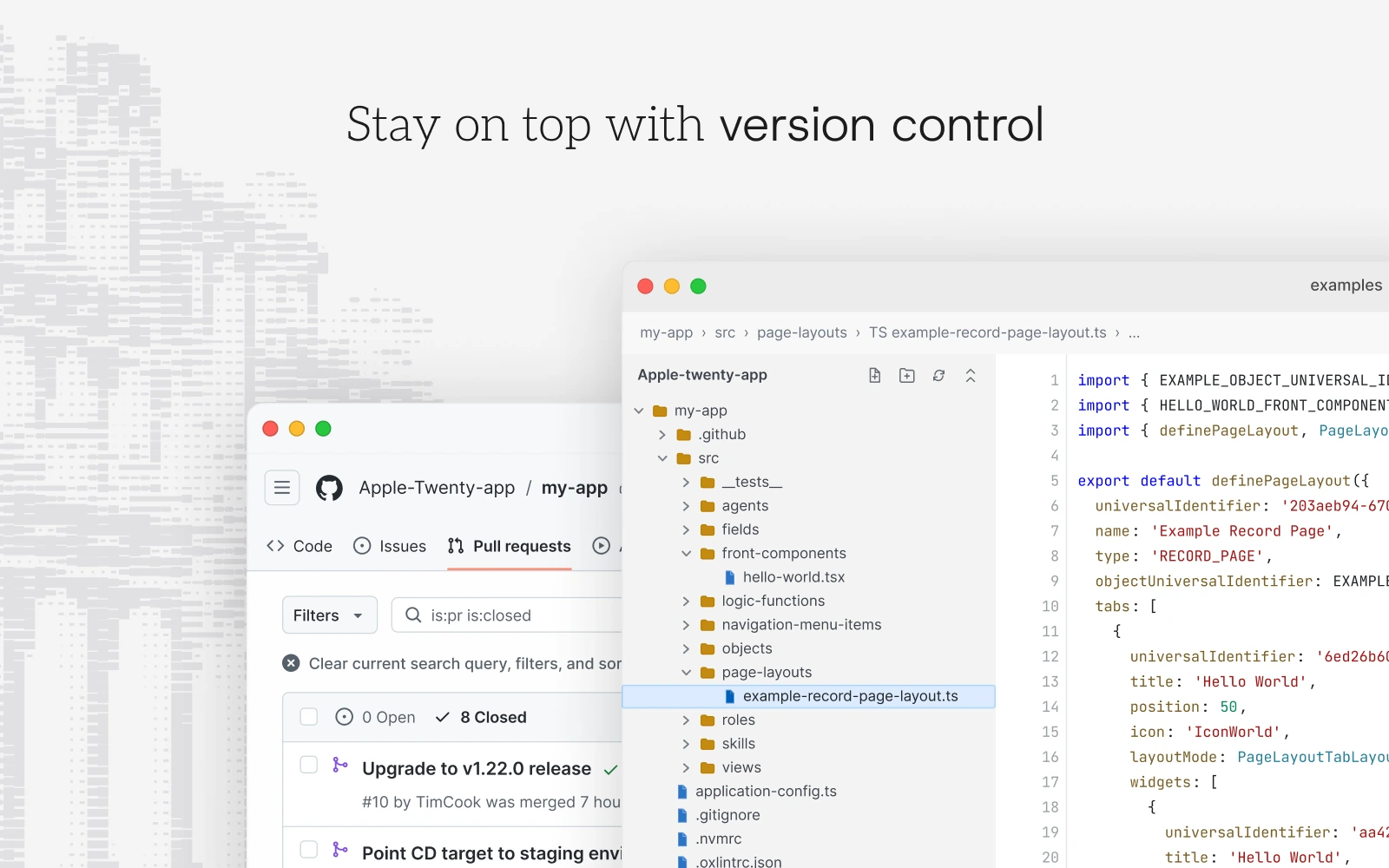
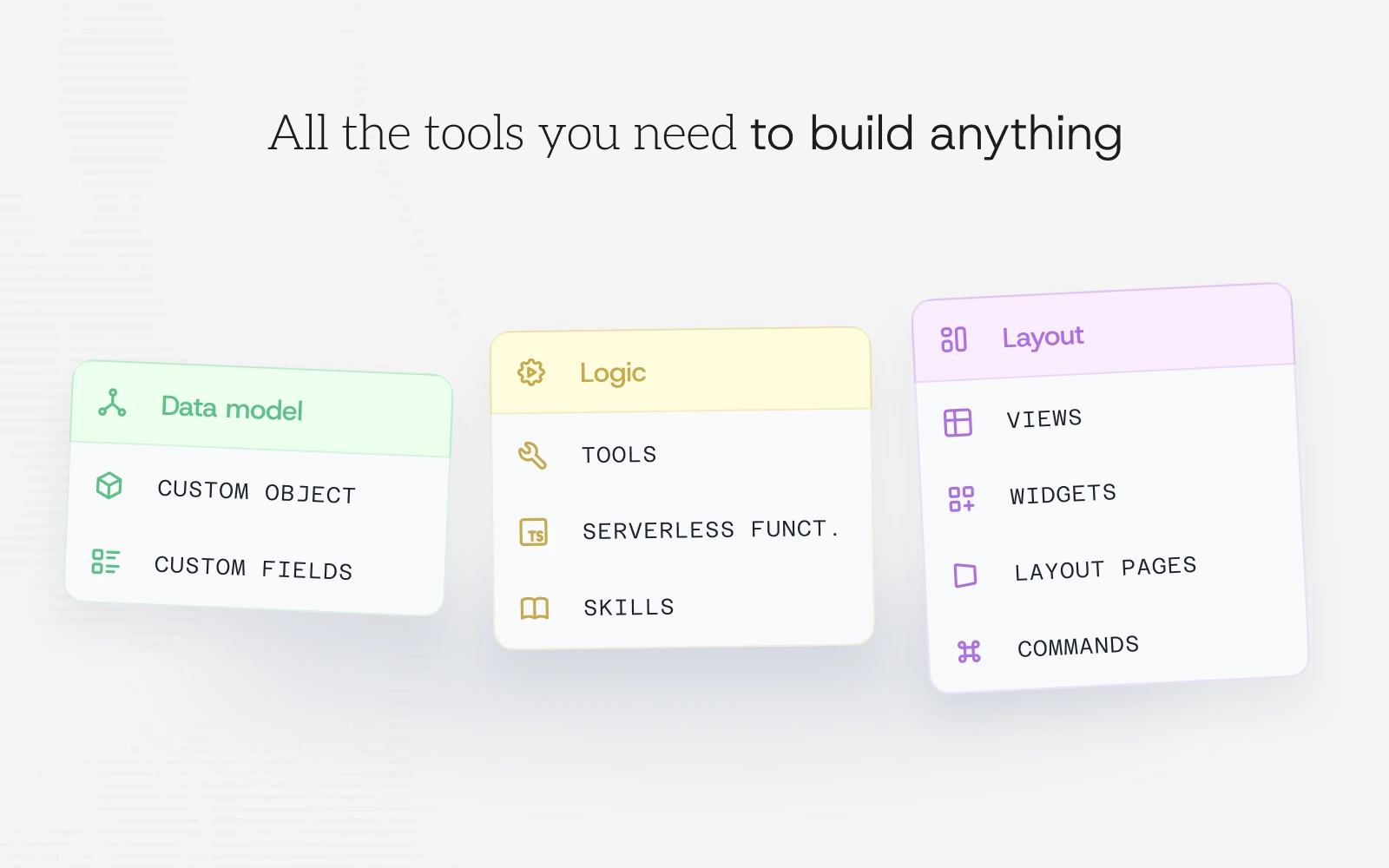
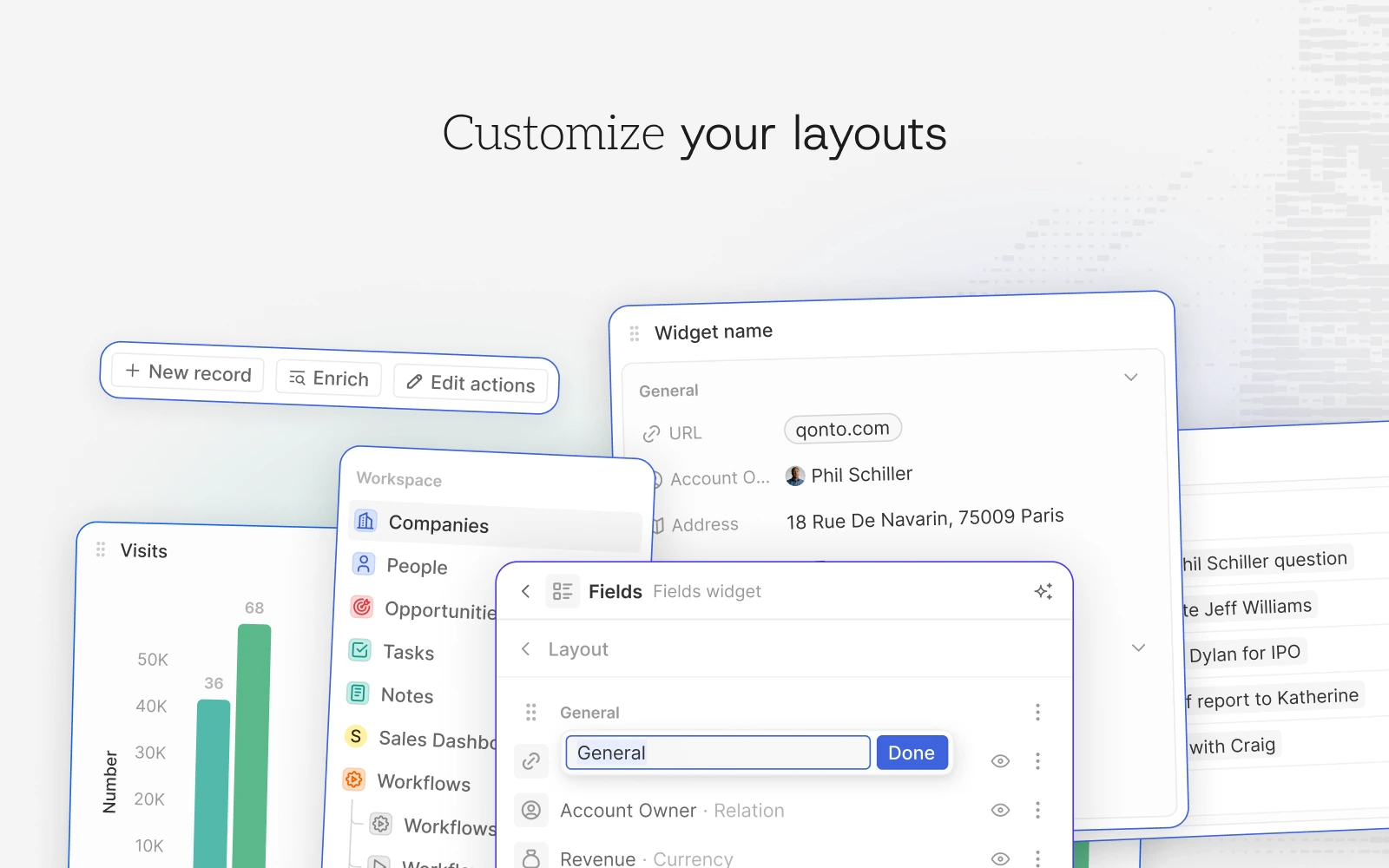
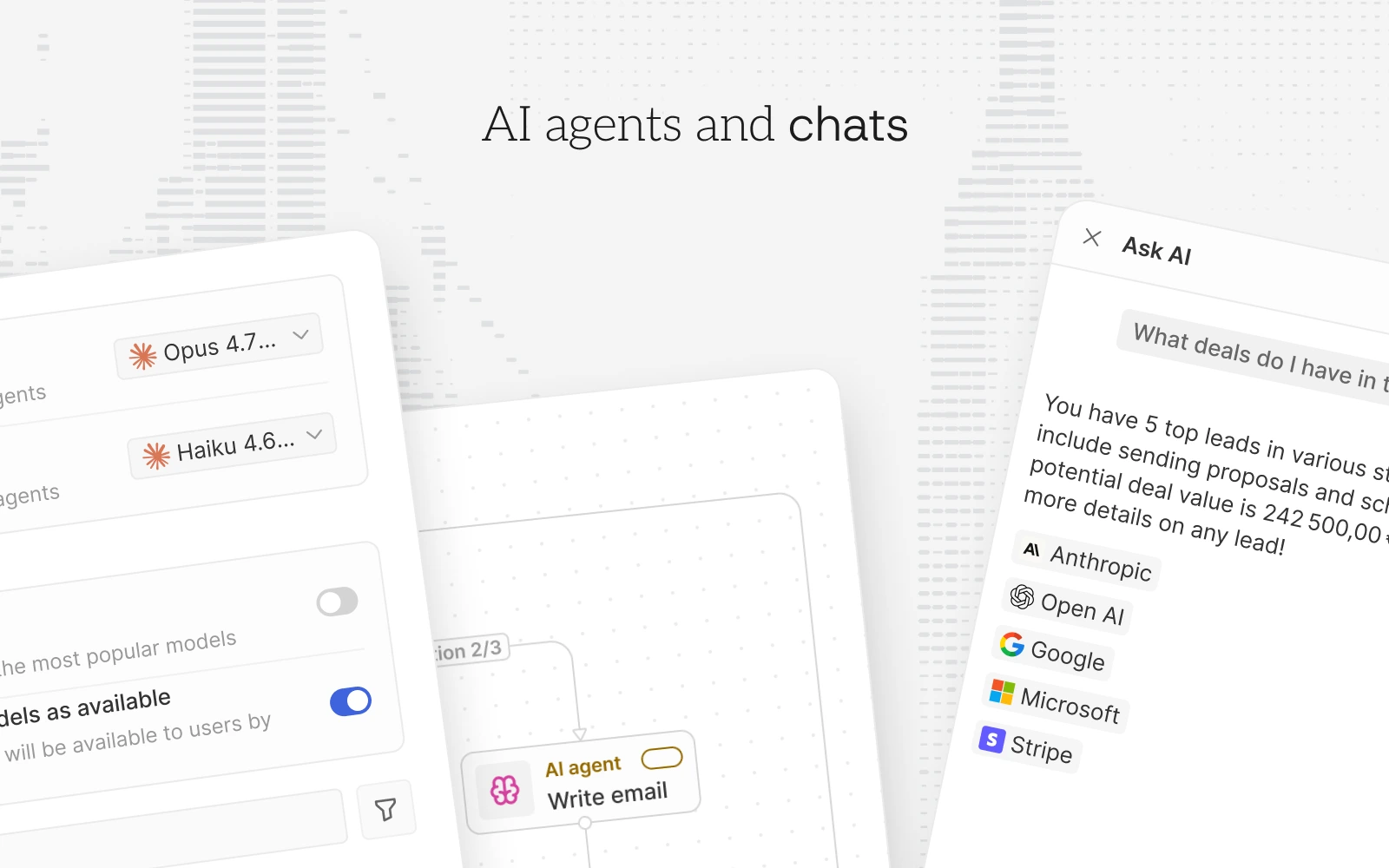
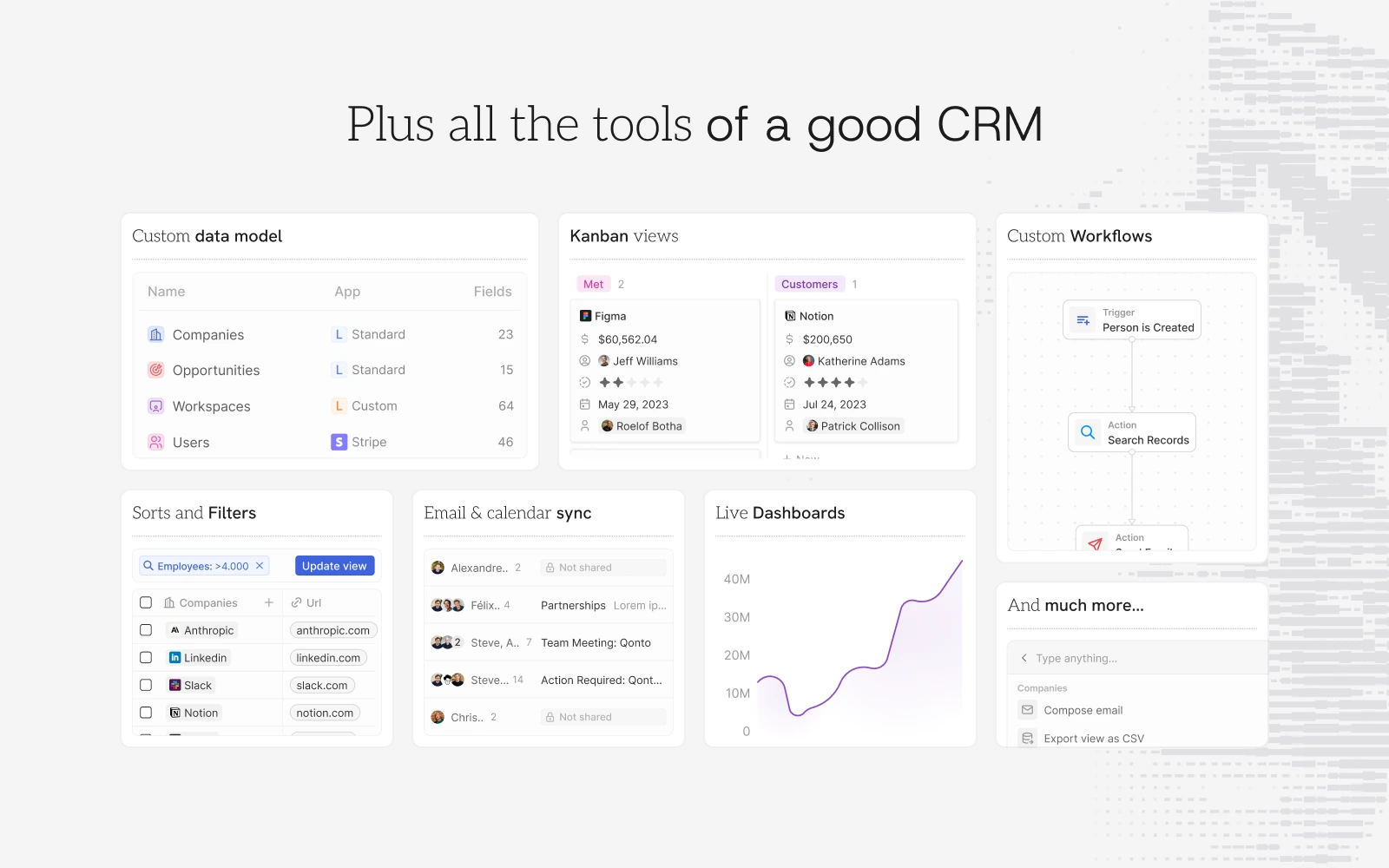
Twenty มอบส่วนประกอบพื้นฐานของ CRM สมัยใหม่ (objects, views, workflows และ agents) และช่วยให้คุณขยายการทำงานได้ด้วยโค้ด นี่คือภาพรวมของสิ่งที่มีให้
ต้องการเจาะลึกยิ่งขึ้น? อ่าน คู่มือผู้ใช้ สำหรับการแนะนำผลิตภัณฑ์ หรือ เอกสารประกอบ สำหรับข้อมูลอ้างอิงสำหรับนักพัฒนา
สแต็กเทคโนโลยี
- TypeScript
- Nx
- NestJS, พร้อม BullMQ, PostgreSQL, Redis
- React, พร้อม Jotai, Linaria และ Lingui
ขอขอบคุณ
ขอขอบคุณบริการที่ยอดเยี่ยมเหล่านี้ที่เราใช้และแนะนำสำหรับการรีวิวโค้ด (Greptile), การตรวจจับข้อผิดพลาด (Sentry) และการแปล (Crowdin)
เข้าร่วมชุมชน
เอกสารโปรเจกต์
อ่านเอกสารต้นฉบับ
README วิธีติดตั้ง วิธีใช้งาน และข้อกำหนดจาก repository ต้นฉบับ





Why Twenty
Twenty gives technical teams the building blocks for a custom CRM that meets complex business needs and quickly adapts as the business evolves. Twenty is the CRM you build, ship, and version like the rest of your stack.
 Learn more about why we built Twenty
Installation
Cloud
The fastest way to get started. Sign up at twenty.com and spin up a workspace in under a minute, with no infrastructure to manage and always up to date.
Build an app
Scaffold a new app with the Twenty CLI:
npx create-twenty-app my-appDefine objects, fields, and views as code:
import { defineObject, FieldType } from 'twenty-sdk/define';

export default defineObject({
  nameSingular: 'deal',
  namePlural: 'deals',
  labelSingular: 'Deal',
  labelPlural: 'Deals',
  fields: [
    { name: 'name', label: 'Name', type: FieldType.TEXT },
    { name: 'amount', label: 'Amount', type: FieldType.CURRENCY },
    { name: 'closeDate', label: 'Close Date', type: FieldType.DATE_TIME },
  ],
});
Then ship it to your workspace:
npx twenty app:publish --privateSee the app development guide for objects, views, agents, and logic functions.
 Self-hosting
Run Twenty on your own infrastructure with Docker Compose, or contribute locally via the local setup guide.
Everything you need
Twenty gives you the building blocks of a modern CRM (objects, views, workflows, and agents) and lets you extend them as code. Here's a tour of what's in the box.
Want to go deeper? Read the  User Guide for product walkthroughs, or the Documentation for developer reference.



Stack
 TypeScript
 Nx
Nx NestJS, with BullMQ,
  PostgreSQL,
  Redis
Redis React, with Jotai, Linaria and Lingui
Thanks



Thanks to these amazing services that we use and recommend for code review (Greptile), catching bugs (Sentry) and translating (Crowdin).
Join the Community


